

Discover how to implement efficient appointment scheduling for your Australian beauty business. Reduce no-shows by 39%, save 10 hours weekly, and enhance client satisfaction with automated systems.
Streamline your appointment scheduling for beauty businesses

Running a beauty business means juggling endless appointments, client calls, and admin tasks that pull you away from the work you love. Many Australian salon and spa owners lose revenue to no-shows, double bookings, and frustrated clients who can’t book outside business hours. This guide walks you through implementing an effective appointment scheduling system that reduces admin time, improves client satisfaction, and protects your bottom line.
Table of Contents
- Prerequisites: What You Need Before Starting
- Step-By-Step Appointment Scheduling Process
- Common Mistakes And Failure Points
- Technology Features And Best Practices
- Security And Privacy Considerations
- Expected Results And Outcomes
- Enhance Your Beauty Business With Xolapp Appointment Solutions
- Frequently Asked Questions
Key takeaways
| Point | Details |
|---|---|
| Preparation matters | Audit current workflows and ensure digital readiness before adopting new scheduling systems to avoid implementation pitfalls. |
| Phased rollout wins | Implementing features gradually reduces errors by 30% and improves staff adoption compared to sudden changes. |
| Automation cuts costs | SMS reminders reduce no-shows by 39% whilst AI receptionists decrease admin calls by 40%. |
| Privacy compliance required | Australian Privacy Principles mandate secure data storage and documented client consent for all booking platforms. |
| Measurable outcomes | Expect 10 hours saved weekly on admin tasks and 25% better personalised service ratings with proper implementation. |
Prerequisites: what you need before starting
Before diving into new scheduling technology, you need a clear picture of your current operations and digital capabilities. Rushing into software adoption without proper groundwork leads to staff resistance, data migration headaches, and wasted investment.
Start by auditing your existing appointment and communication workflows. Document how bookings currently happen, whether through phone calls, walk-ins, or basic online forms. Track how often double bookings occur, how many clients miss appointments without notice, and how much staff time goes to scheduling tasks. This baseline data helps you measure improvement later and identifies your biggest pain points. Understanding your client management needs ensures you choose features that solve actual problems, not just flashy extras.
Consider your business size, average client volume, and current tech capability. A solo practitioner needs different functionality than a multi-room spa with rotating staff schedules. Assess your team’s comfort with technology honestly. If your staff struggles with basic digital tools, plan extra training time. You’ll also need reliable internet connectivity and compatible devices like tablets or smartphones for staff to access scheduling tools throughout the day. Poor availability infrastructure undermines even the best software.
Prepare your team for upcoming changes by communicating benefits clearly. Staff buy-in makes or breaks implementation success. Explain how automated scheduling reduces tedious phone tag and gives them more time with clients. Address concerns about job security or learning curves directly. Choose scheduling platforms that comply with Australian Privacy Principles from the start. Retrofitting security measures costs more and risks client data. Verify that any software stores Australian client information on local servers and provides clear consent mechanisms. Following an online booking setup guide tailored to salons and spas prevents costly mistakes during initial configuration.
Step-by-step appointment scheduling process
Implementing scheduling technology works best as a phased rollout rather than an overnight switch. This approach lets staff adapt gradually whilst you troubleshoot issues before they affect clients.
-
Conduct a thorough audit of current workflows. Map every touchpoint in your booking process, from initial client contact through confirmation and reminders. Identify bottlenecks where appointments get lost or miscommunicated. Document average time spent on scheduling tasks daily. This audit reveals which features deliver the highest return on investment for your specific situation.
-
Integrate online booking that allows client self-scheduling. Start with a simple calendar showing real-time appointment availability for your most popular services. Let clients book 24/7 without calling during business hours. This single change captures bookings you’d otherwise lose to competitors who offer convenient scheduling. Configure buffer times between appointments to prevent staff burnout and allow for service overruns.
-
Add automated SMS and email reminders linked to each booking. Set reminders for 24 hours and 2 hours before appointments. Personalise messages with client names, service details, and practitioner information. Include easy rescheduling links so clients can adjust times without phone calls. These simple messages dramatically reduce no-shows whilst cutting down confirmation calls that eat staff time.
-
Implement detailed client profile features that centralise information. Store service history, product preferences, allergies, and notes from previous visits in one place. This data enables personalised service that makes clients feel valued. Track purchase patterns to suggest relevant upsells. Detailed profiles also speed up rebooking for returning clients who want their usual service. Reviewing spa appointment scheduling tips helps optimise profile fields for wellness businesses specifically.
-
Incorporate an AI receptionist to handle routine operational tasks. Modern AI tools answer common questions about services, pricing, and booking policies without human intervention. They can reschedule simple appointments, send confirmations, and escalate complex requests to staff. This automation frees your team to focus on in-person client care rather than answering the same questions repeatedly.
Each phase should run for at least two weeks before adding the next feature. Monitor adoption rates and gather staff feedback. Adjust workflows based on real-world usage patterns rather than assumptions. This measured approach prevents overwhelming your team whilst building confidence in the new system.
Common mistakes and failure points
Even well-planned implementations hit predictable obstacles that derail scheduling efficiency if not addressed proactively.
Insufficient staff training tops the list of implementation failures. Assuming team members will figure out software intuitively leads to booking errors, missed features, and frustration. Lack of staff training increases booking errors by 25%, creating client dissatisfaction that damages your reputation. Schedule hands-on training sessions where staff practise common scenarios like handling double-booking requests, processing cancellations, and accessing client histories. Provide quick reference guides for troubleshooting routine issues. Designate a tech-savvy team member as the go-to expert for questions.
Double booking and fragmented client data cause immediate revenue loss and angry clients. These problems emerge when businesses run old and new systems simultaneously without proper data migration. Centralise all client information in your chosen platform before going live. Archive or delete outdated systems to prevent staff from checking multiple places for booking information. Test your system thoroughly with dummy bookings before accepting real appointments.
Skipping automated reminders raises no-show rates significantly and wastes valuable appointment slots. Some businesses hesitate to automate communication, fearing it feels impersonal. However, clients appreciate timely reminders that help them manage busy schedules. The key is personalisation. Generic reminders get ignored, whilst messages addressing clients by name and including specific service details feel thoughtful. Configure reminders during software setup rather than adding them later.
Non-compliance with privacy regulations risks substantial penalties and client trust. Storing sensitive client data without proper consent, using overseas servers without disclosure, or failing to encrypt information violates Australian Privacy Principles. These aren’t optional guidelines. Choose platforms that build compliance into their core functionality rather than treating it as an add-on.
Pro Tip: Rolling out features one at a time reduces staff resistance by 30% compared to overwhelming teams with complete system changes overnight. Start with the feature that solves your biggest pain point, master it, then add the next capability.
Technology features and best practices
Understanding which software features deliver measurable results helps you prioritise functionality and maximise return on technology investment.
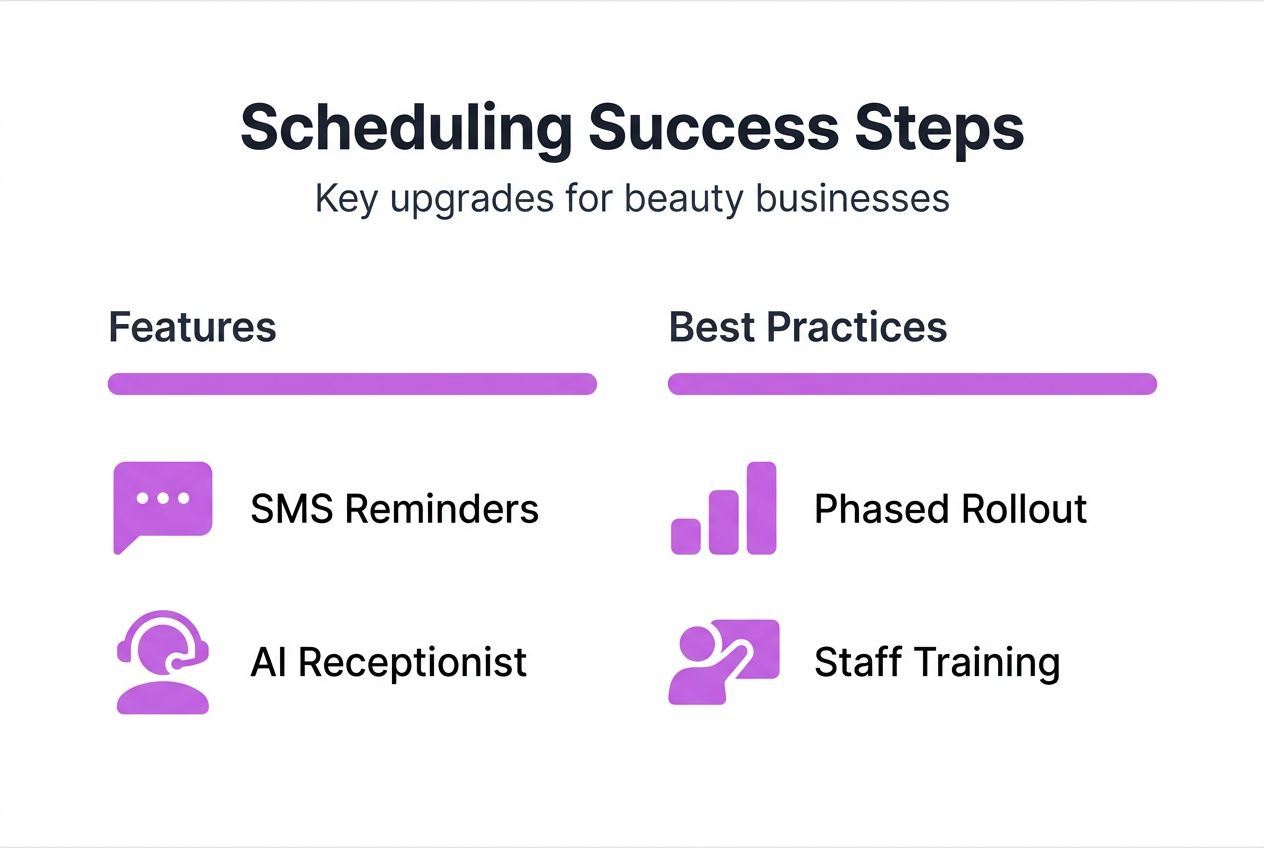
Integrated SMS reminders reduce no-shows by 30% whilst requiring minimal setup effort. These automated messages reach clients on devices they check constantly throughout the day. Unlike email, which often gets buried in spam folders, SMS reminders achieve 98% open rates within minutes. The best systems let you customise reminder timing and content based on service type. Last-minute cancellations for long services like colour treatments hurt more than quick nail appointments, so adjust reminder frequency accordingly. Following online booking trends helps you stay current with client communication preferences.
AI receptionists decrease administrative phone calls by 40%, transforming how you handle routine enquiries. These tools answer questions about operating hours, service menus, pricing, and availability without human involvement. They can also process simple rebookings when clients need to shift appointments. The technology has improved dramatically. Modern AI understands natural language and context rather than requiring rigid keyword matching. This means clients get helpful responses instead of frustrating dead ends. Staff intervention only happens for complex situations requiring human judgement.

Centralised client profiles enable true personalisation that builds loyalty and increases rebooking rates. When every team member can instantly see a client’s service history, product allergies, and preferred practitioners, they deliver consistently excellent experiences. These profiles also reveal upsell opportunities based on purchase patterns. A client who regularly books manicures but never adds nail art might respond to a targeted promotion. Detailed notes prevent awkward situations where clients repeat information every visit. Understanding the benefits of appointment software beyond basic scheduling helps you leverage these relationship-building features.
Phased software rollout improves staff adoption by 30% compared to sudden complete system changes. Start with online booking only, ensuring everyone masters that workflow before adding reminders. Then incorporate client profiles, followed by payment processing and finally AI features. This progression builds confidence and prevents the overwhelmed feeling that causes staff to revert to old manual methods. Each phase should include dedicated training time and a feedback mechanism for reporting issues.
Pro Tip: Schedule software exploration during slow business periods so staff can experiment without client pressure. Hands-on practice with test bookings builds competence faster than theoretical training sessions.
Security and privacy considerations
Protecting client information isn’t optional in the Australian beauty and wellness industry. Legal obligations and client trust both demand robust security measures.
Security concerns require appointment scheduling platforms to comply with Australian Privacy Principles to protect sensitive client data, ensuring legal and reputational safety for salons. These thirteen principles cover collection, use, disclosure, and storage of personal information. Your scheduling system must obtain clear consent before collecting client data, explain how you’ll use that information, and store it securely. Violations result in substantial fines and reputational damage that drives clients to competitors.
Secure data storage prevents breaches that expose client names, contact details, service histories, and payment information. Choose platforms that encrypt data both in transit and at rest. Verify that Australian client information stays on local servers rather than transferring overseas where different privacy laws apply. Regular security audits should be standard, not optional extras. Ask potential vendors about their breach response protocols and whether they carry cyber insurance.
Client consent must be documented for all communications including appointment reminders, promotional messages, and service updates. Generic terms and conditions buried in fine print don’t meet legal requirements. Implement clear opt-in mechanisms during booking where clients actively choose to receive communications. Provide easy opt-out methods in every message. Treating privacy seriously builds trust that translates to client loyalty. Managing client relationships properly includes respecting their communication preferences.
Regular software updates patch security vulnerabilities that hackers exploit. Outdated systems are easy targets for data breaches. Choose cloud-based platforms that handle updates automatically rather than installed software requiring manual patching. Monitor vendor communications about security improvements and new features. Participate in recommended updates promptly rather than postponing them indefinitely.
“Never assume existing security measures remain adequate. Threats evolve constantly, requiring ongoing vigilance and updated protection strategies.”
Expected results and outcomes
Setting realistic benchmarks helps you evaluate whether your appointment scheduling system delivers promised benefits and justifies ongoing costs.
Businesses implementing comprehensive scheduling automation typically see up to 39% reduction in no-shows within the first quarter. This improvement stems from timely reminders, easy rescheduling options, and better client communication. Fewer empty appointment slots mean more revenue without additional marketing spend. Track your no-show rate before implementation, then measure monthly to verify improvement.
Administrative time savings average approximately 10 hours per week for small to medium beauty businesses. This reduction comes from eliminating phone tag, automating confirmations, and reducing double-booking cleanup. Those hours can shift to revenue-generating activities like client services or business development. Calculate your current admin time spent on scheduling to establish a baseline for comparison.
Personalised service ratings improve by 25% when staff can access detailed client profiles during appointments. Clients notice when you remember their preferences, allergies, and previous services without asking. This attention to detail builds loyalty that translates to higher rebooking rates and referrals. Monitor review mentions of personalised service before and after implementation. Understanding appointment scheduling best practices helps you maximise these relationship benefits.
Double booking errors drop significantly with real-time calendar synchronisation across devices and staff members. Manual systems using paper books or basic spreadsheets create conflicts when multiple people book simultaneously. Automated systems prevent overlapping appointments and alert staff to conflicts before confirming bookings.
| Metric | Before Implementation | After 3 Months | After 6 Months |
|---|---|---|---|
| No-show rate | 25% | 18% | 15% |
| Weekly admin hours | 15 hours | 8 hours | 5 hours |
| Double bookings per month | 12 incidents | 4 incidents | 1 incident |
| Personalised service score | 3.2/5 | 3.8/5 | 4.0/5 |
Enhance your beauty business with Xolapp appointment solutions
Transitioning from manual scheduling to automated efficiency doesn’t require technical expertise or massive upfront investment. Xolapp’s business management platform consolidates appointment scheduling, client profiles, automated reminders, and payment processing into one intuitive system designed specifically for Australian beauty and wellness businesses.
Our phased onboarding approach matches the implementation strategy outlined in this guide. Start with online booking that lets clients schedule appointments 24/7, then add SMS reminders that reduce no-shows. Build detailed client profiles that enable personalised service without extra effort. The built-in AI receptionist handles routine enquiries whilst you focus on delivering exceptional treatments. All client data stays secure on Australian servers, ensuring full compliance with privacy regulations. Run your business without admin stress by centralising every operational function in one platform. Transparent pricing and a free trial let you test features risk-free. Explore integrated payment solutions that streamline transactions alongside scheduling for complete business management.
Frequently asked questions
What is the most critical prerequisite before implementing a scheduling system?
Auditing your current workflows provides the baseline data needed to measure improvement and identify which features solve your specific problems. Without this audit, you risk investing in functionality you don’t need whilst missing tools that address actual pain points. Ensuring your team has reliable internet access and compatible devices prevents technical barriers that undermine adoption.
How can I reduce appointment no-shows effectively?
Automated SMS and email reminders linked to bookings reduce no-shows by up to 39% by reaching clients on devices they check constantly. Send personalised reminders 24 hours and 2 hours before appointments, including easy rescheduling links. Timely, friendly reminders improve client adherence without requiring staff time for manual confirmation calls.
What are common mistakes when adopting appointment scheduling software?
Skipping comprehensive staff training causes booking errors and resistance that undermines implementation success. Double booking stems from running old and new systems simultaneously without proper data migration. Phased software rollout improves adoption by 30% compared to overwhelming teams with sudden complete changes. Start with your biggest pain point, master it, then add features gradually.
Is compliance with Australian privacy laws necessary for scheduling software?
Compliance with Australian Privacy Principles is mandatory for legal protection and client trust. Client data security requirements include encrypted storage, documented consent for communications, and keeping Australian information on local servers. Non-compliance risks substantial penalties and reputational damage that drives clients to competitors who prioritise privacy.